
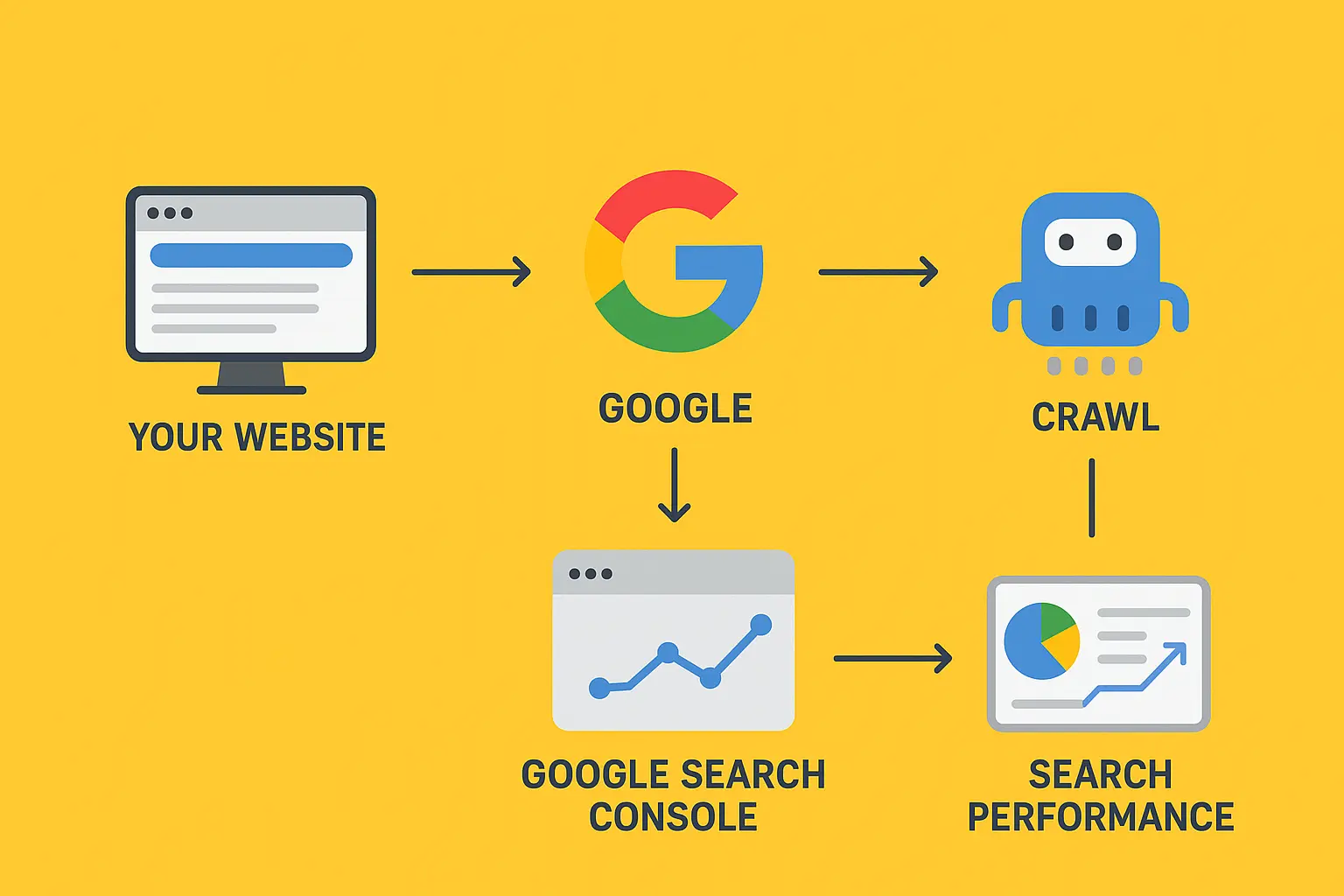
Every time you type a query into Google, millions of web pages are scanned in fractions of a second to bring you the most relevant results. But before that magic of ranking and indexing happens, there’s an essential first step: crawling.
Crawling is the process by which Google discovers web pages. Without crawling, Google would have no idea your site exists, no matter how well-written or optimized your content may be. In this article, we’ll dive deep into how crawling works, why it matters, and the technical factors that influence how and when Googlebot visits your site.
What is Crawling?
Crawling is the discovery process search engines use to explore new and updated content across the web. Google relies on Googlebot—an automated program (often called a spider or crawler)—to move from page to page, collecting information.
Think of Googlebot like a librarian tasked with organizing a library that never stops growing. Every day, millions of new ‘books’ (webpages) are published, and the librarian must find, read, and catalog them. Crawling is the librarian’s method of moving through digital shelves, following references, and uncovering what’s new or changed.
How Does Google Start Crawling?
Google doesn’t randomly stumble upon websites. It uses a few key entry points to start its crawl journey:
- 1. Seed URLs – Google maintains a massive database of URLs it already knows about, collected from previous crawls.
- 2. Sitemaps – Webmasters can submit an XML sitemap through Google Search Console, which acts as a roadmap for crawlers.
- 3. Backlinks – If another website already crawled by Google links to your site, Googlebot may follow that link to discover your pages.
How Googlebot Navigates a Website
Once Googlebot lands on a page, it scans the HTML and looks for hyperlinks. Every link it encounters—whether internal (pointing to the same site) or external (pointing elsewhere)—is added to its crawl queue.
This is called discovery through linking. Internal linking structures are especially important here. If your homepage is connected to your blog, and your blog links to individual articles, Googlebot can find its way to every piece of content.
The Role of Robots.txt and Meta Directives
Googlebot doesn’t crawl blindly. It follows rules set by website owners:
– robots.txt: This file at the root of your domain tells bots which directories or pages they’re allowed (or not allowed) to crawl.
– Meta robots tags: Placed in the <head> of a webpage, these tags can block crawling or indexing at a more granular level.
Crawl Budget: How Often Does Google Crawl?
Google doesn’t crawl every page every day. Instead, it allocates a crawl budget for each site. Crawl budget is the balance between crawl demand (how important Google thinks your site is) and crawl capacity (how much crawling your server can handle without being overloaded).
Technical Obstacles That Impact Crawling
Crawling can be slowed or stopped by technical issues, including:
– Slow server response
– Broken links (404s)
– Redirect chains and loops
– Blocked resources (like CSS or JS)
Types of Crawlers Google Uses
Google has specialized crawlers for different purposes:
– Googlebot Desktop
– Googlebot Smartphone
– Image and Video Crawlers
– AdsBot
Crawling vs. Indexing vs. Ranking
It’s important to separate crawling from later processes:
– Crawling: Finding and retrieving a page.
– Indexing: Analyzing and storing its content in Google’s database.
– Ranking: Deciding where it appears in search results.
Case Study Example: How Crawling Works in Real Life
Let’s say you run a website: www.coffeelovers.com.
1. You publish a new blog post: www.coffeelovers.com/best-espresso-machines
2. Your sitemap is updated and submitted to Google.
3. Googlebot comes to your homepage, finds a link to the blog section, and then follows it to the new post.
4. During crawling, Googlebot scans the text, finds images, and notices internal links to related content.
5. It adds those links to the crawl queue for future visits.
6. If everything loads quickly and no rules block it, the new page is now discovered and ready for the next step: indexing.
Best Practices to Improve Crawling Efficiency
To help Googlebot crawl your site more effectively:
– Optimize internal linking
– Use XML sitemaps
– Fix broken links
– Manage robots.txt wisely
– Speed up your server
– Avoid duplicate content
– Monitor crawl stats in Search Console
Future of Crawling: AI and Smarter Bots
Crawling has evolved significantly since the early days of the internet. Today, crawlers are increasingly powered by AI, enabling them to better understand dynamic websites, JavaScript-heavy pages, and multimedia content. In the future, crawling may become even more selective, relying on structured feeds, APIs, and verified sitemaps to prioritize high-quality, relevant information.
Conclusion
Crawling is the invisible first step that makes Google Search possible. Without it, even the most valuable content would remain undiscovered. By understanding how Googlebot crawls, respecting its rules, and optimizing your site’s technical health, you can ensure your content is regularly discovered and ready to compete in search results.